
This section explains how roles are assigned in EMS and how they determine what users can see and do within IEC systems.
Viewing your roles and permissions
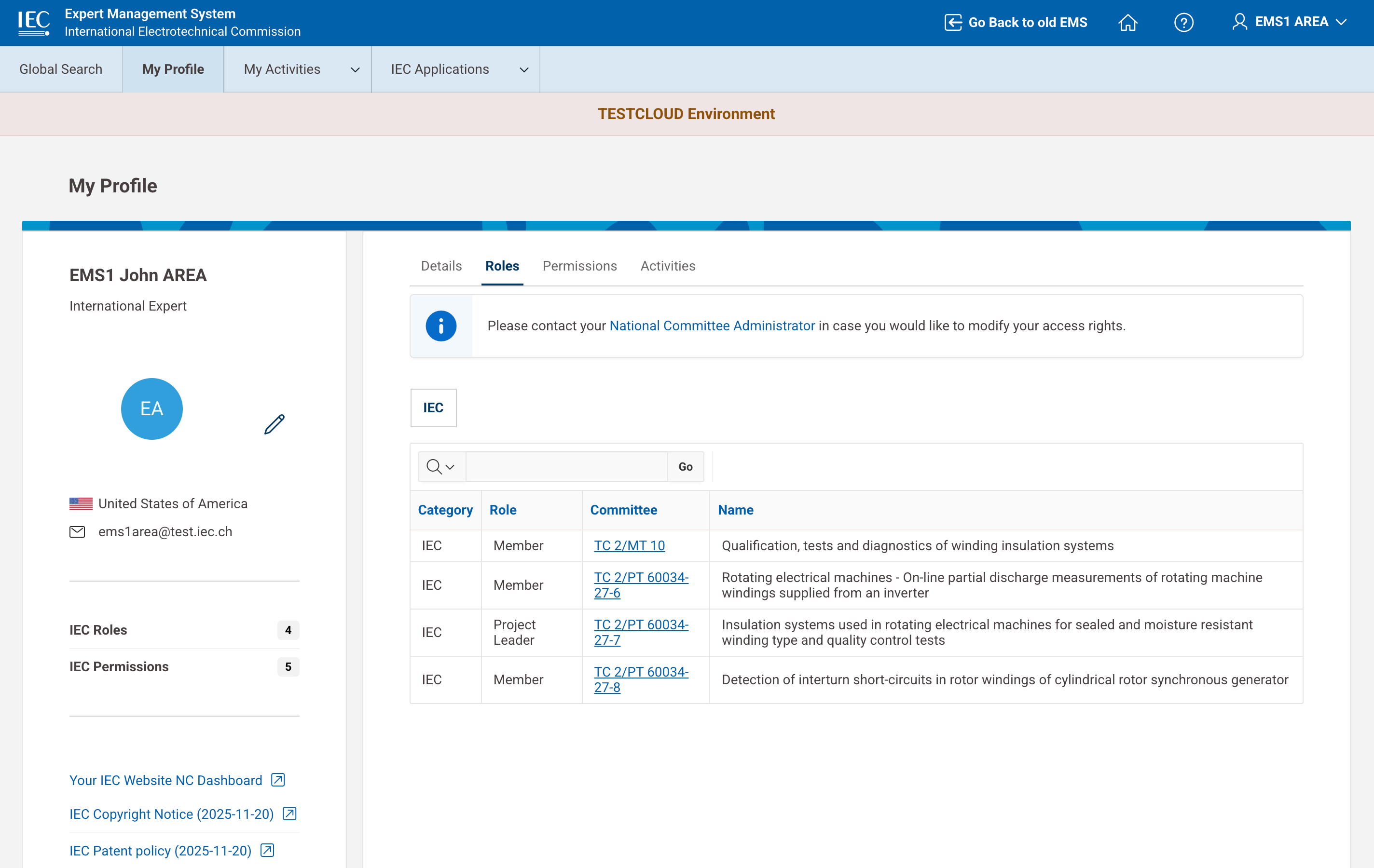
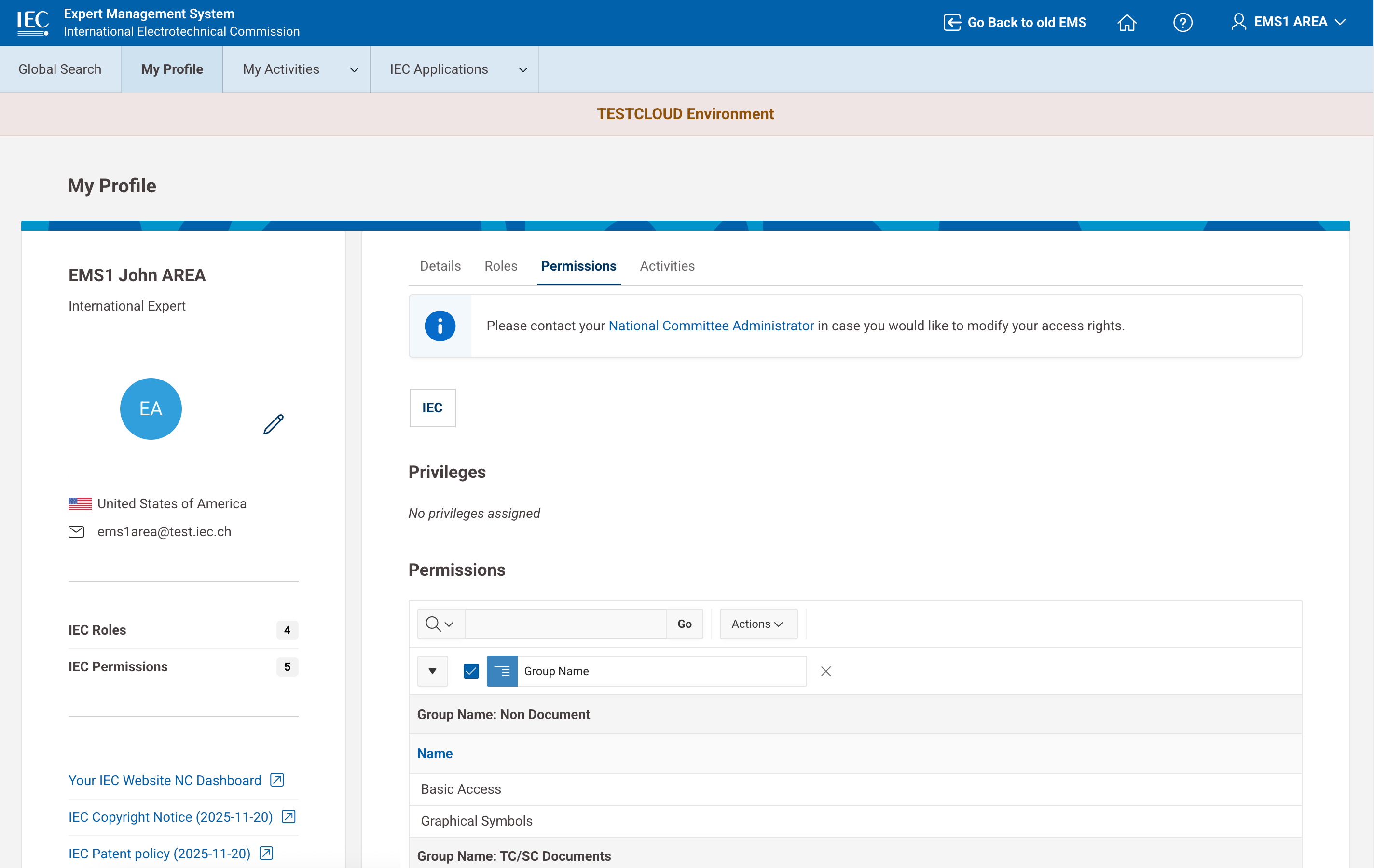
EMS allows you to view:
-
your assigned roles (IEC, CENELEC, NC Mirror, where applicable)
-
your associated permissions
This information helps you understand:
-
your responsibilities
-
your access scope within IEC systems
📸 Viewing roles
📸 Viewing permissions
🎥 Viewing roles
🎥 Viewing permissions