
-
Locate the Collaboration Platform (CP) workspace and the folder where the document should be stored.
• Click on folders to drill down to subfolders
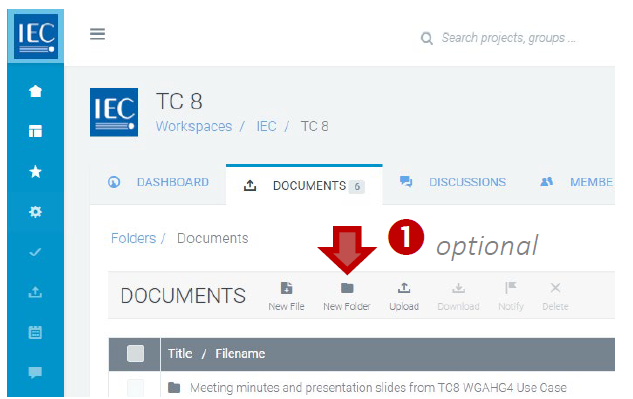
• Optional: Click on New Folder button to create a folder:
-
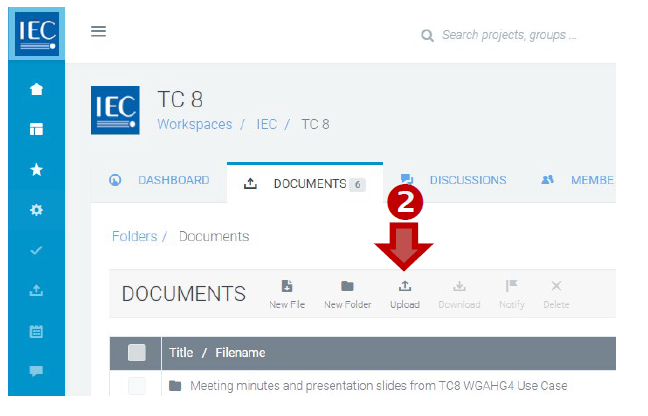
In the DOCUMENTS toolbar press the Upload button:
-
Drag & Drop or browse to select file(s) to upload.