
Setting up MFA Authenticator for IEC applications
This section explains how to set up multi-factor authentication (MFA) to securely access IEC applications using your IEC Login.
Managing your password and authentication (MFA)
Security-related actions are managed via the IEC Account Portal.
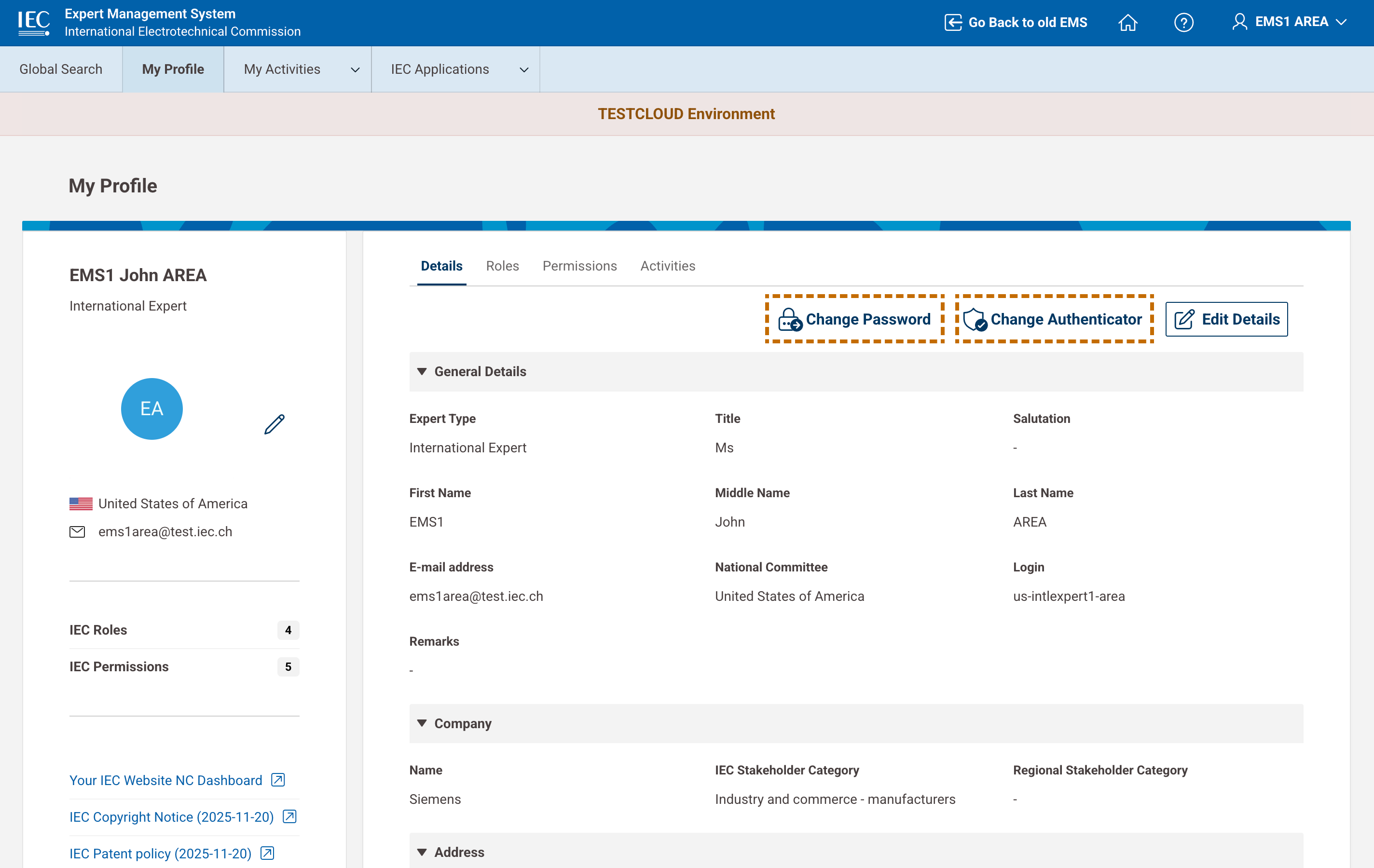
From your EMS profile, you can:
-
change your password
-
change your authentication method (MFA).
When selecting these options, you are redirected to the Account Portal to complete the process securely.
📸 Managing password and MFA
🎥 Managing password and MFA