
Update your personal profile in EMS
This section explains how you can review and update your personal information in EMS to ensure your profile remains accurate and up to date for IEC activities.
Updating your personal information
You can update selected personal information directly in the EMS My Profile page’s Details section.
Editable vs read-only fields
-
Some fields are editable (e.g. middle name, contact details)
-
Some fields are read-only (e.g. first name, last name), to ensure consistency across IEC systems
-
Mandatory fields are clearly marked
Changes are validated before being saved.
If required information is missing, a validation message is displayed.
📸 Updating your personal profile
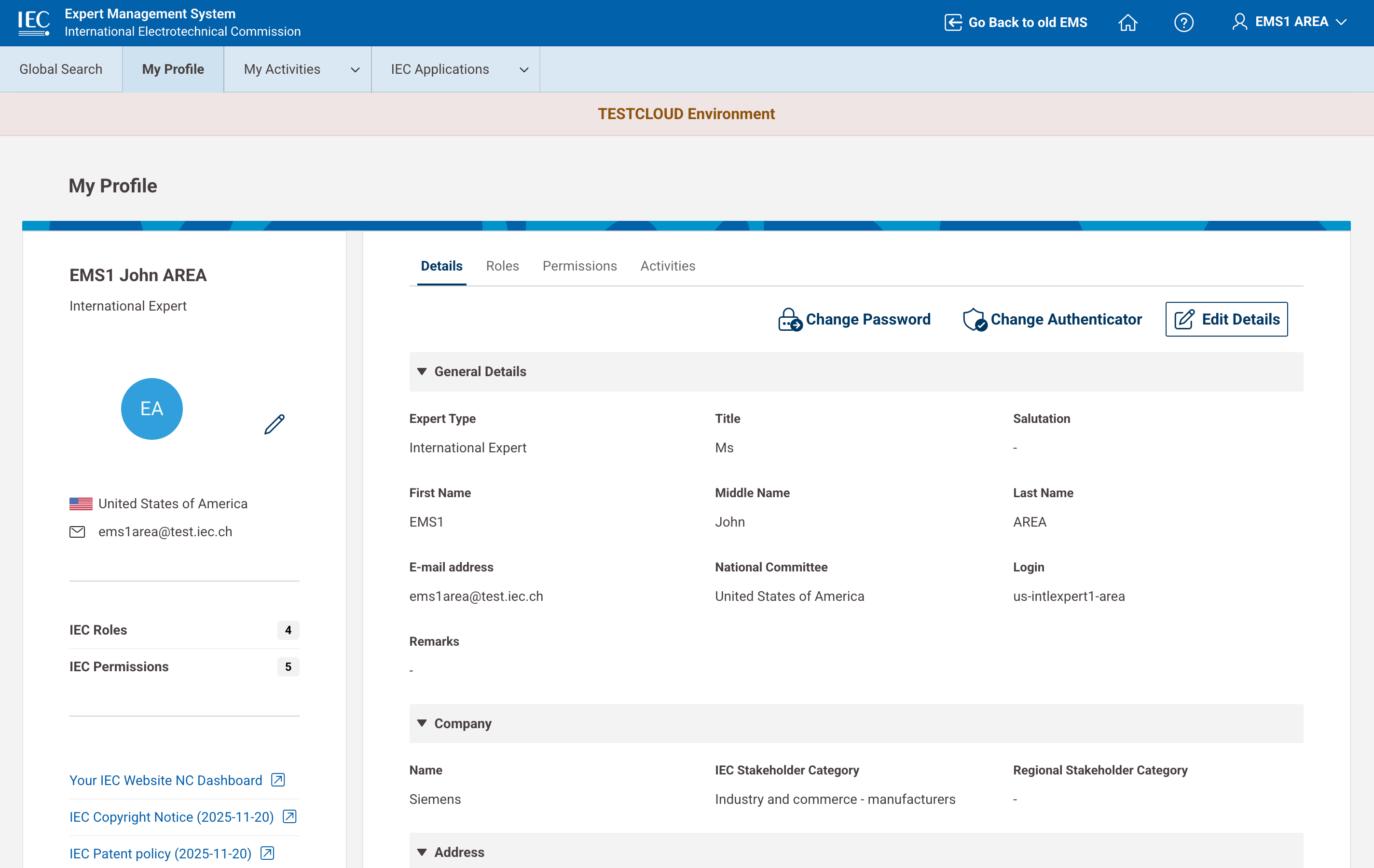
🎥 Updating your personal profile