Please note
The owner, assignee and/or watcher can change the status (To do, In progress or Done) of a Collaboration Platform (CP) task.
-
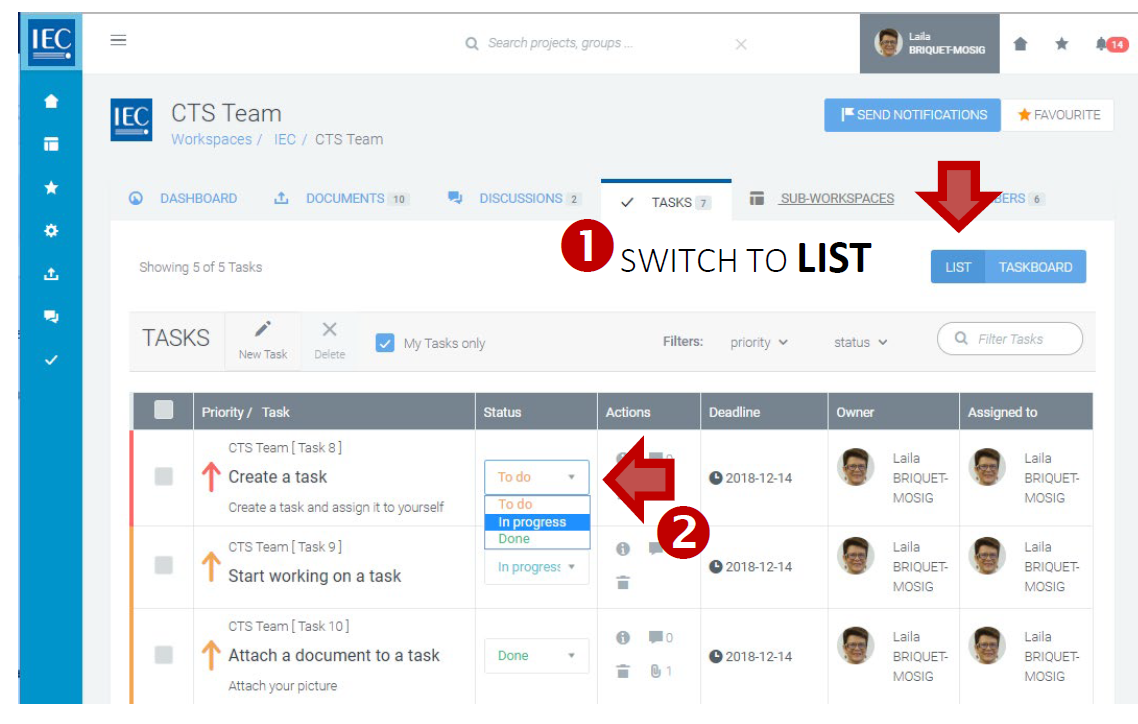
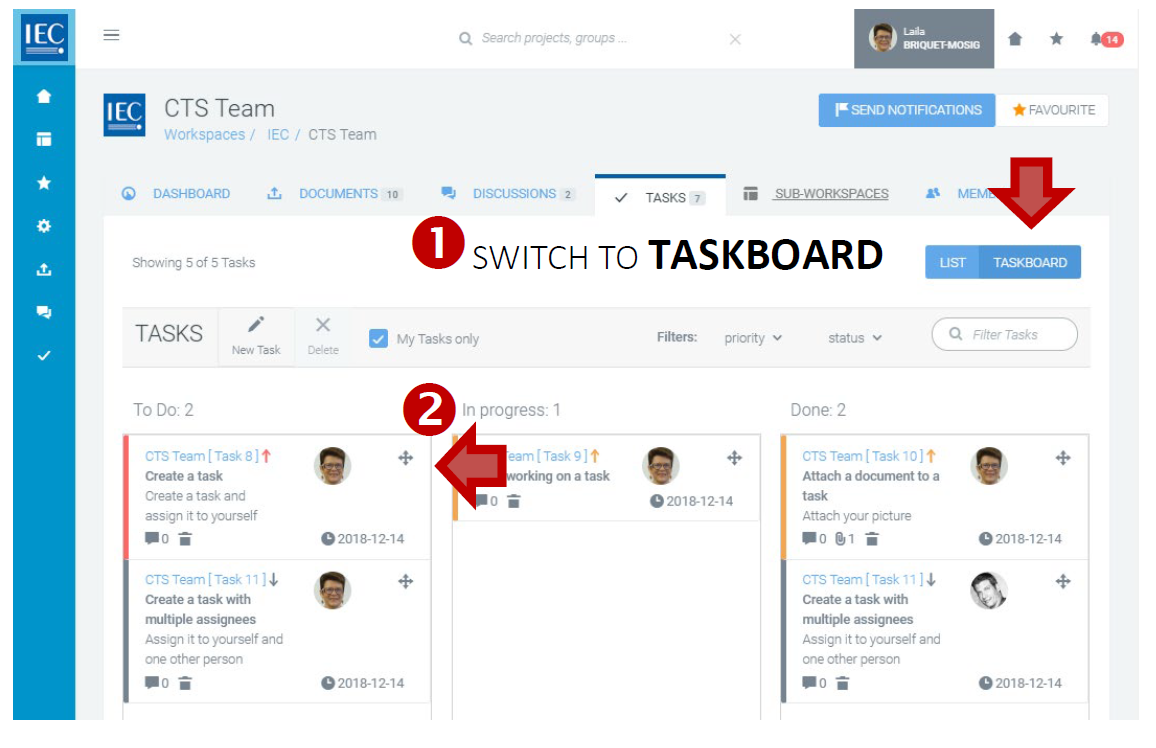
Use the view switch to choose either LIST or TASKBOARD view:
-
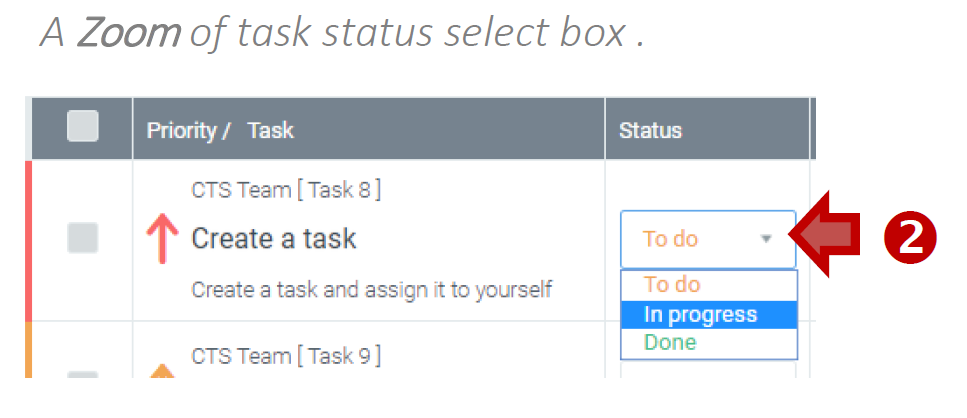
List view: Select a status with the status select box (To do, In progress or Done).
-
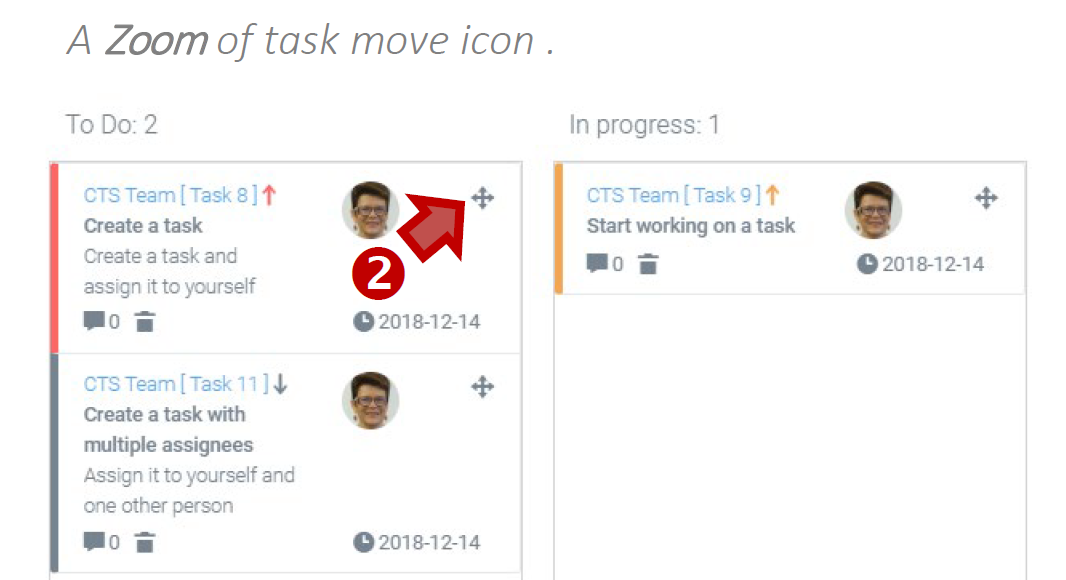
Taskboard view: Use the move icon to drag a task from one column (To do, In progress or Done).