
The IEC offers experts the opportunity to share source code via a git repository.
Access to a repository
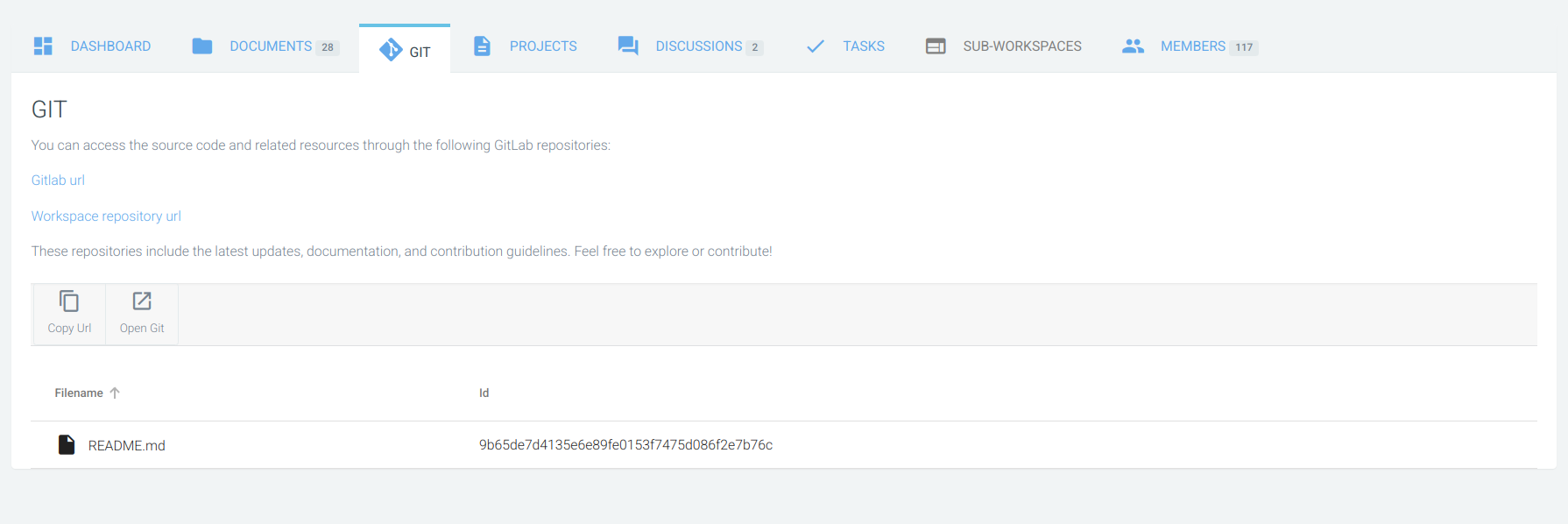
A git repository tab may appear in your workspace.
To request a repository, please contact your Technical Officer officially.
A repository will then be created and made available to members.
Please note
-
You can only view documents from CP, to work with git you will need to connect to the repository and clone the project.
-
Currently, you can only have one repository per workspace.
-
Members of the git repository are directly associated with the list of members in your workspace.
-
To clone projects you will need to create a personal access token (PAT) by following the gitlab documentation.
-
Project clones are made using the HTTPS URL.
-
More information is in Git documentation.
Example repository
git clone https://git.iec.ch/tcx_wg10/my-project.git
-
Use your username when prompted for a username.
-
Use your personal access token (PAT) when prompted for a password.