-
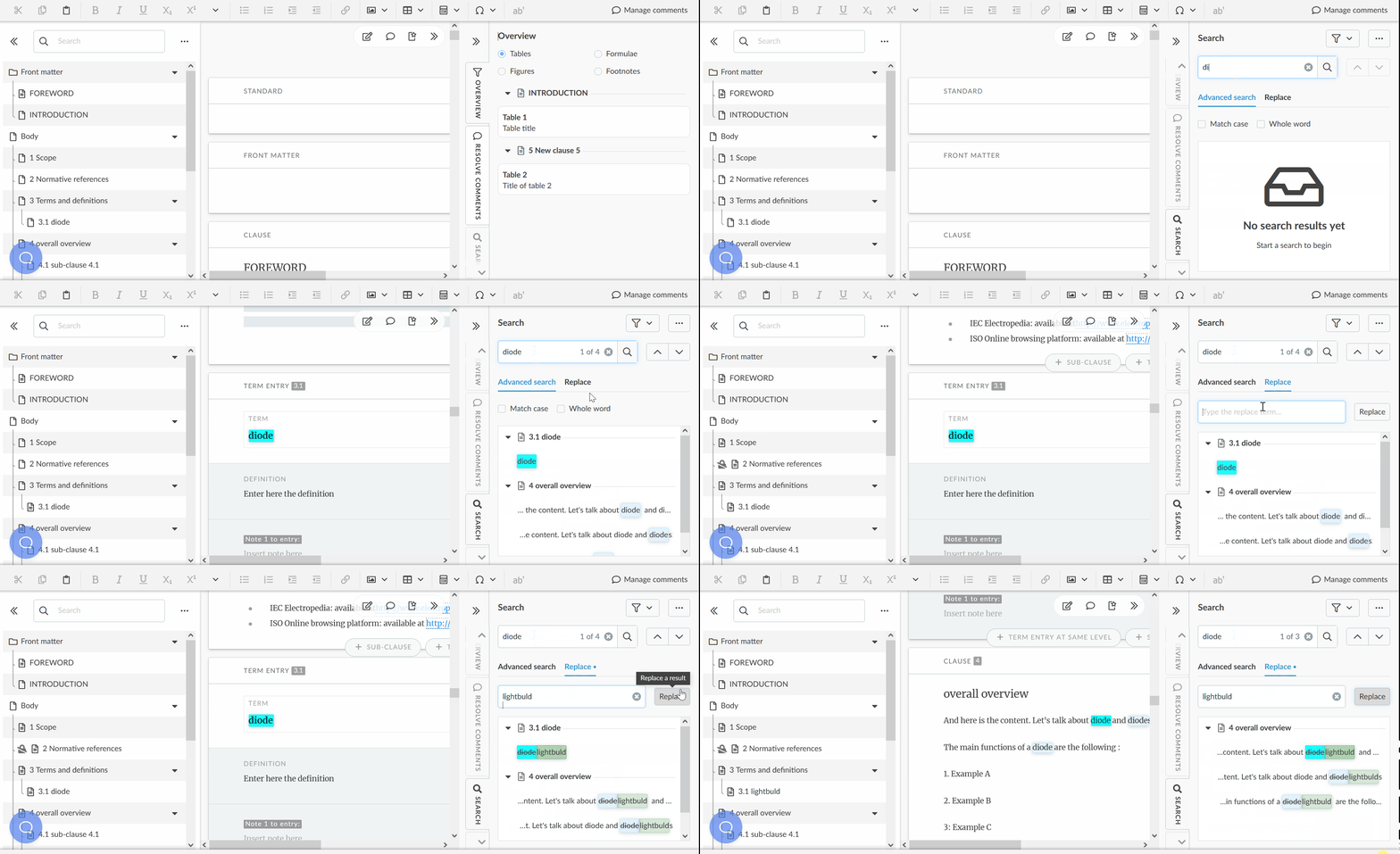
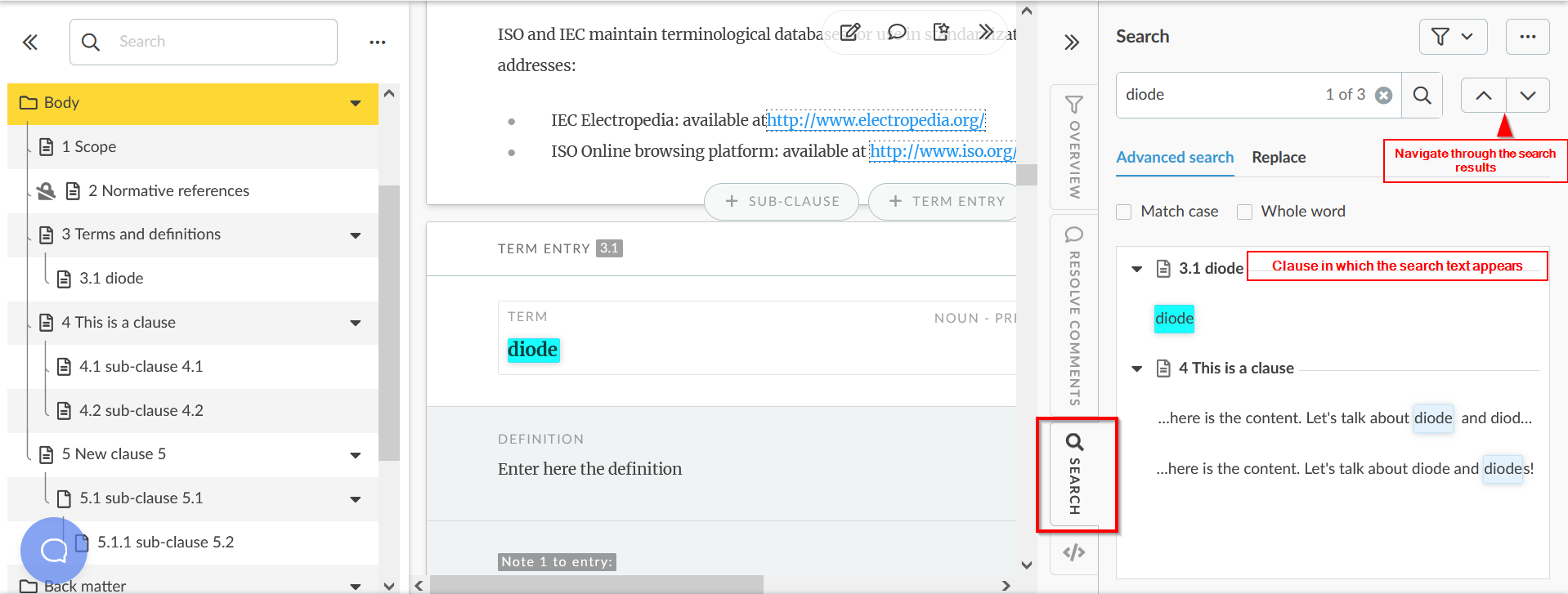
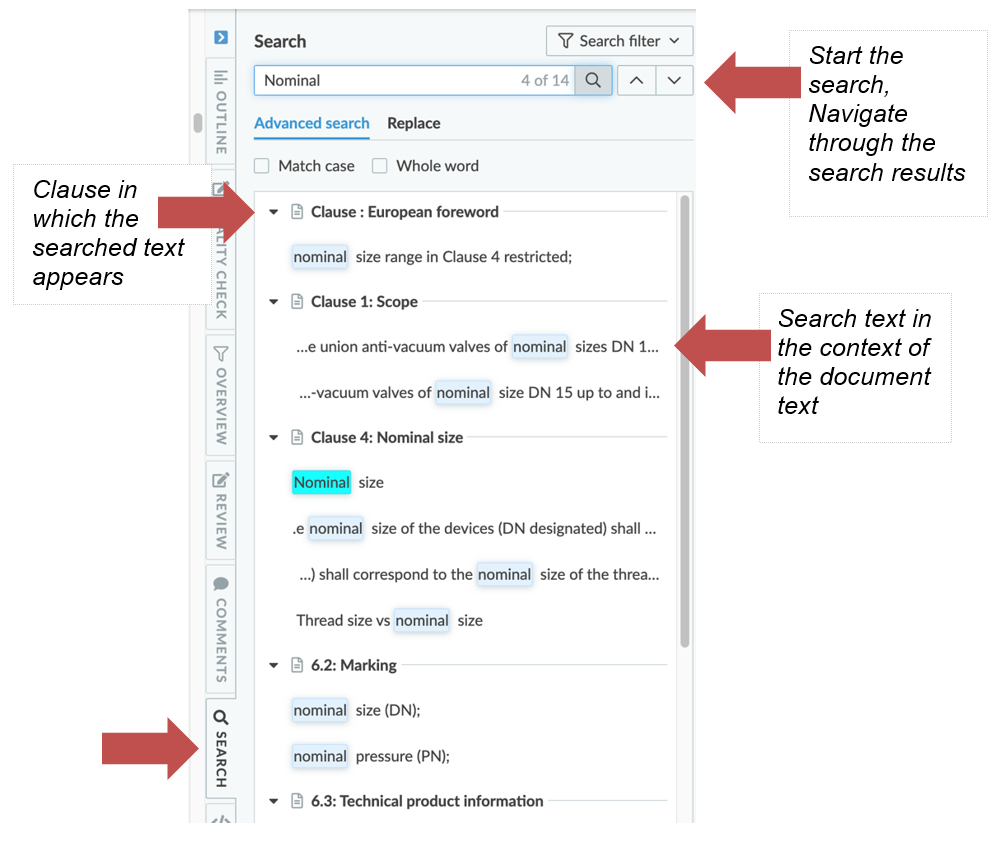
The Search tab enables you to search for specific text inside the whole document.
-
Search results will be displayed in the context of their location in the document.
-
You can narrow your search by selecting one or more sections in which to search.
-
Use the Search filter button to open the selection panel:
-
You can clear the filter anytime by clicking again on the Search filter button:

-
You can replace the text you have searched for by another text. Select Replace instead of Advanced Search and type the replacement term.
-
Clicking on replace will replace the instance of the search term that is currently selected and move to the next one: