Please note
Owner, assignee and/or watcher can delete a task.
Use the view switch to choose either LIST or TASKBOARD view:
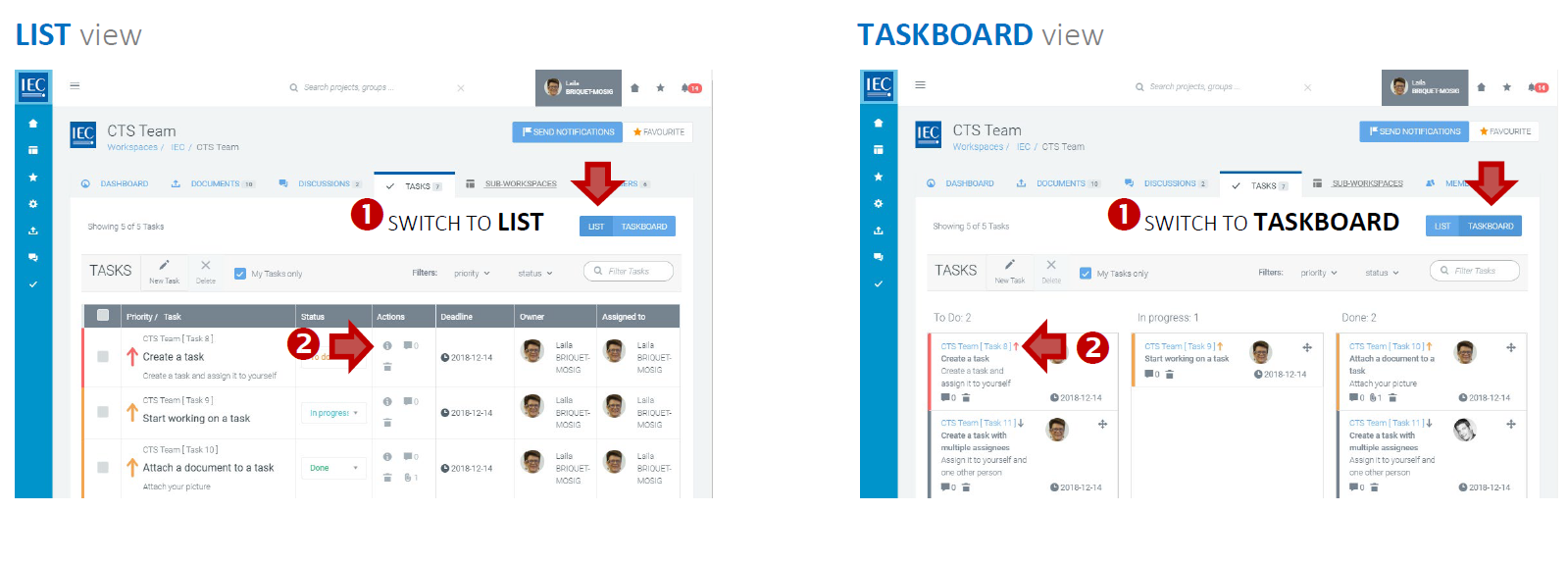
Delete individual tasks
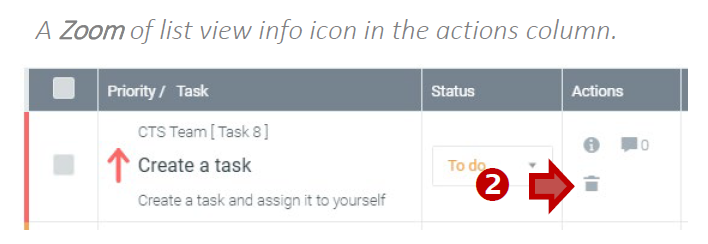
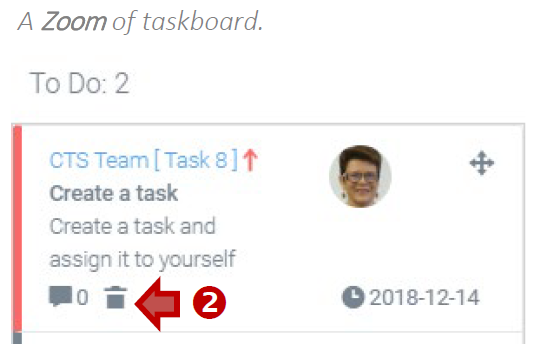
Click on the trash icon to delete the task:
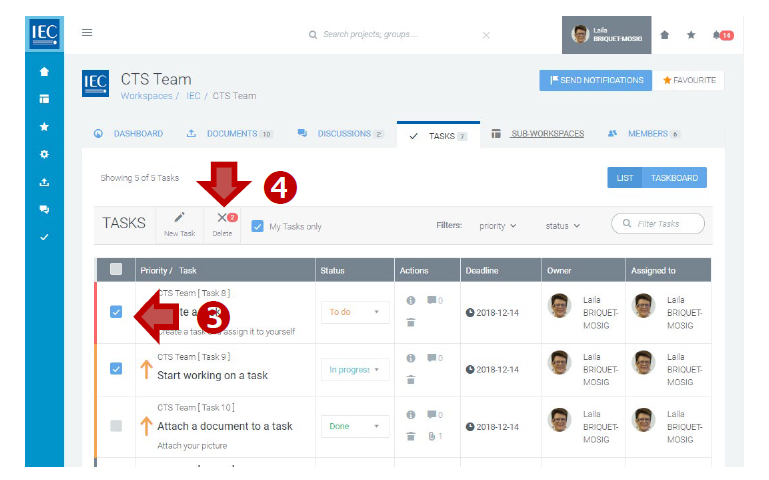
Delete multiple tasks (list view only)
-
Click on the checkboxes next to the tasks you want to Delete.
-
Click on the Delete button in the taskbar: