
Please note this page relates to the authoring stages of a project.
For the equivalent for the NC commenting stages see:
1 Exporting comments and/or resolutions with replies
-
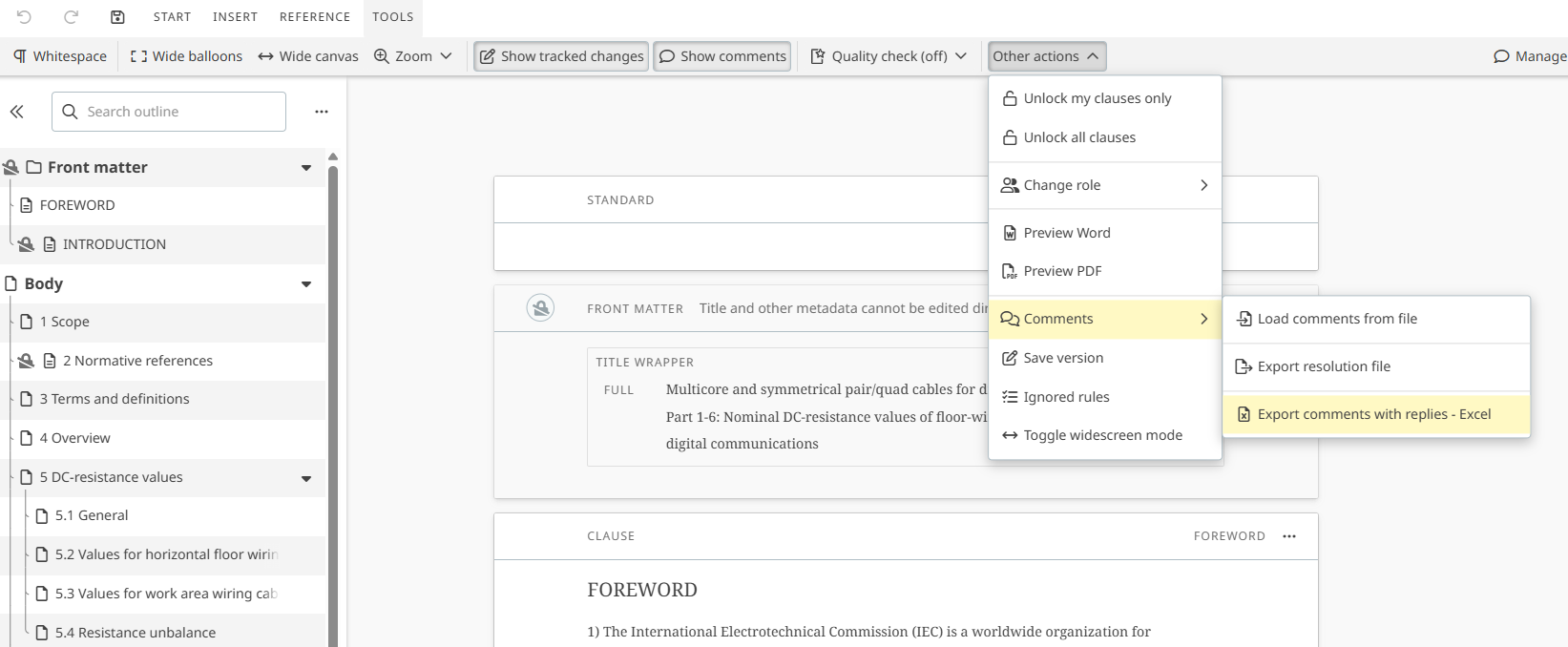
To export comments and/or their resolutions with replies from other commenters, click on:
-
TOOLS menu
-
Other actions
-
Comments
-
Export comments with replies - Excel.
-
-
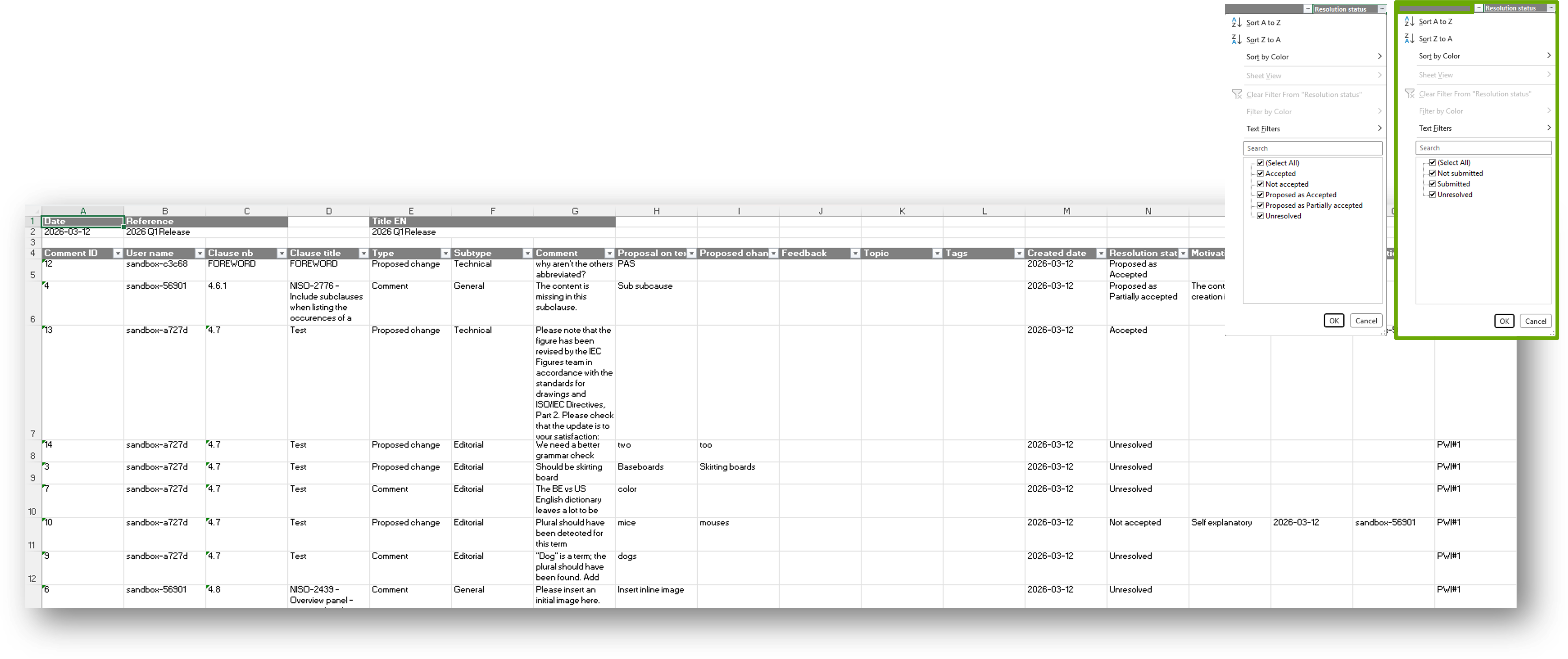
An Excel file with all comments and replies will be downloaded.

2 Exporting resolution file
-
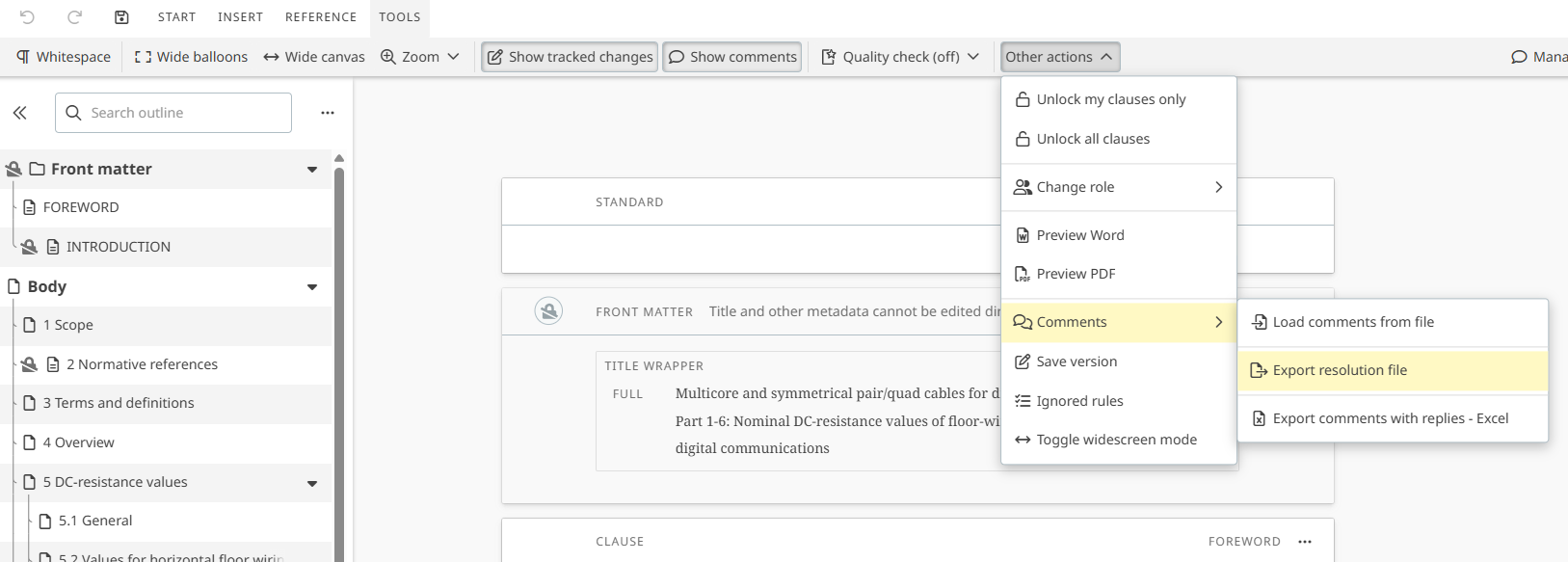
To export the resolution file of the project, click on:
-
TOOLS menu
-
Other actions
-
Comments
-
Export resolution file:
-
-
The Word resolution file will be downloaded.
3 Exporting national annotations with votes
-
To Export national annotations with votes, click on:
-
TOOLS menu
-
Other actions
-
Comments
-
Export national annotations with votes:
-
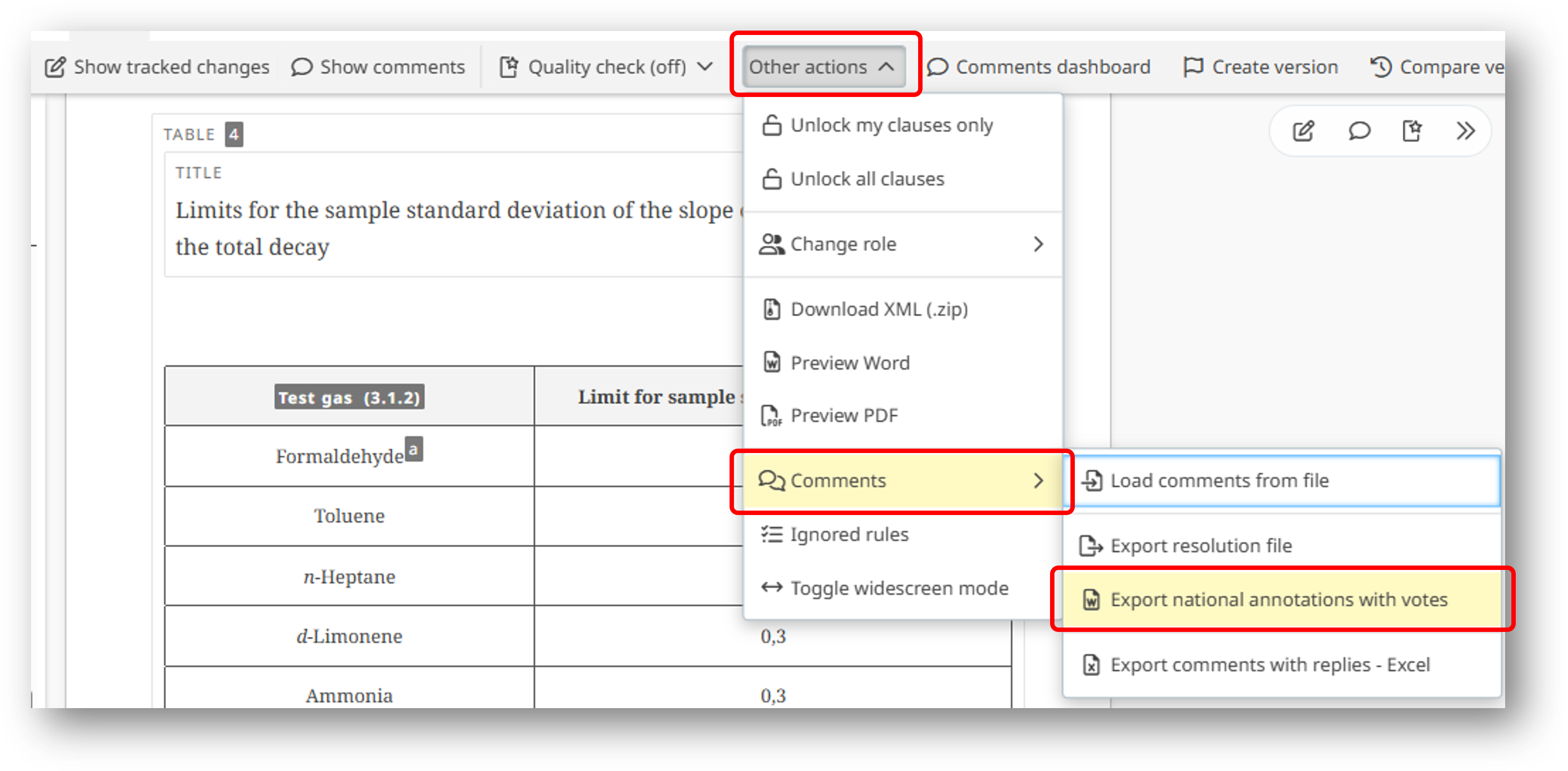
OSD Leaders and IEC Secretariat staff can Export national annotations with votes at PRVN, ACD, CDM, PCC, ACDV, ADTS, ADTR, ADPAS, PRVC, AFDIS, PRVD, PRVDTS, PRVDTR, PRVDPAS stages (i.e. stages following a vote).