1 Inserting paragraphs
-
Every time you press the Enter key, a new paragraph is inserted.

2 Inserting spaces
-
Inside the text, the user is prevented from adding more than one space between two words.

3 Formatting text
-
Inside the document text, common formatting options (Bold, Italic, Underline, subscript and superscript) can be applied to selected characters, word(s), sentence(s), paragraph(s) or entire clause(s).
-
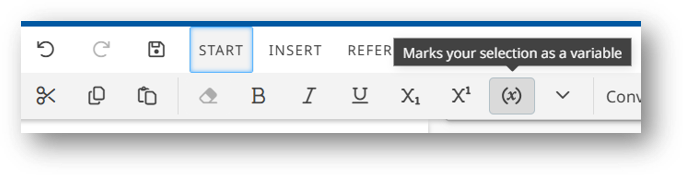
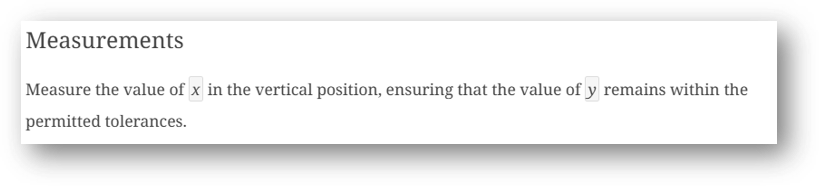
Markup of symbols for variable quantities can be formatted from the START tab as follows:
Please note
-
Any text contained in any element (tables, captions, keys etc.) can be formatted.
4 Inserting symbols/special characters
-
To insert a symbol (aka special characters) in the text of your document, from the START menu, select the Insert symbol icon.
-
All recently used symbols will be available at the top of the symbols list for inserting again quickly.

5 Converting text
-
Text conversion feature is available from the START tab, Convert text.
-
Simply select the text to be converted and then the appropriate convert text option.

6 Removing elements that are cross referenced
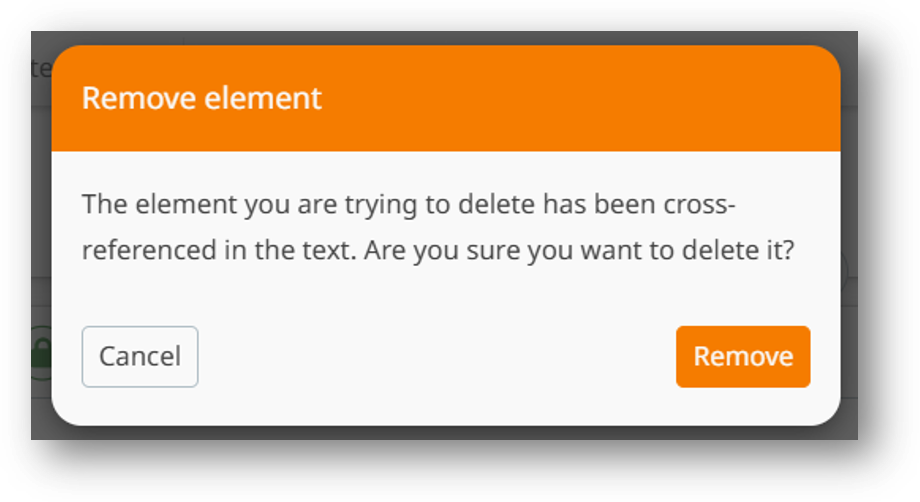
When removing an element that is cross referenced, a warning message will appear as follows: