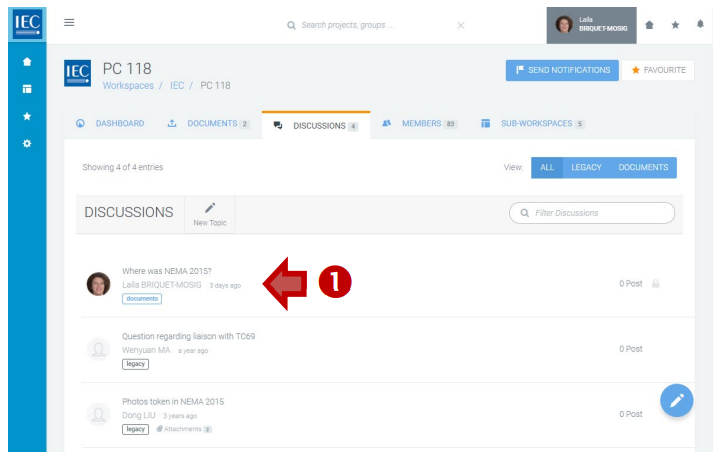
Locate the Collaboration Platform (CP) workspace with a discussion you want to participate in and click on the DISCUSSIONS.
-
Click on a topic in the list of DISCUSSIONS:
-
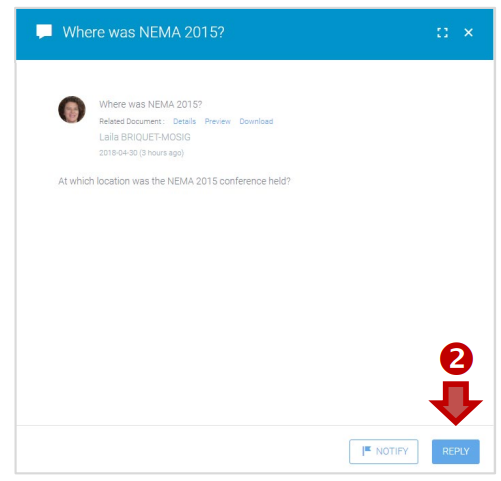
Click on the REPLY button:
Then:
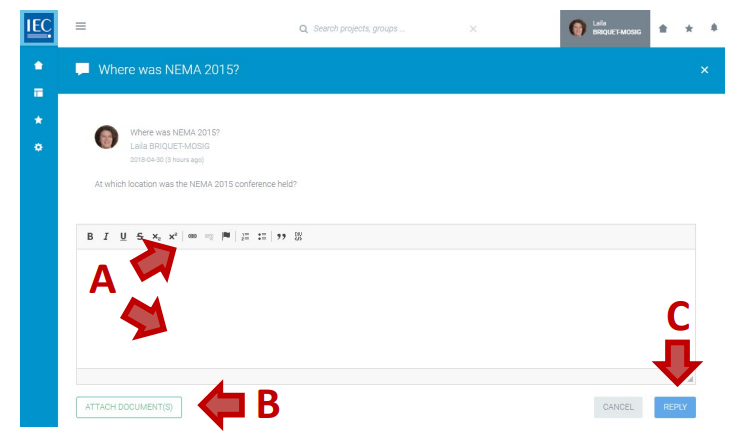
A. Enter a body text (required)
B. ATTACH DOCUMENT(S) (optional)
C. Press the REPLY button: