1 How to use the EMS Perms tab?
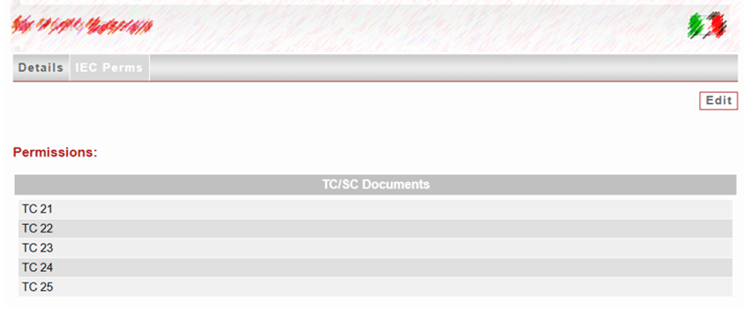
National Committee administrators are responsible for adding/editing the permissions (IEC Perms) of their respective experts to allow them access to the working documents available on a TC/SC dashboard. This is done via the Edit option of the expert’s IEC Perms tab:
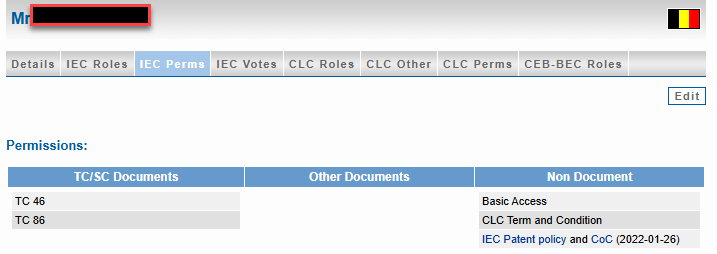
2 What is the relationship between IEC Perms and the Online Standards Development (OSD) platform?
OSD National Committee roles (OSD Voter, Manager and Commenter) are managed differently depending on NC workflow, see https://knowledge.iec.ch/how-to/osd-access-a-project-in-osd-access-management#AccessingaprojectinOSDandaccessmanagement-2Howtograntaccess? for more information.
3 How to check your permissions or permissions of other users?
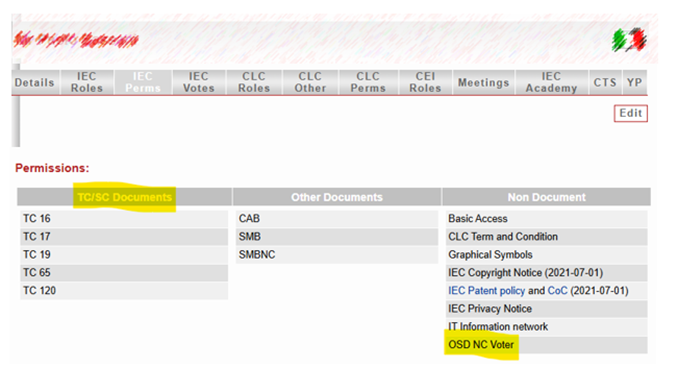
Viewing the IEC Perms tab not in edit mode shows the current permissions. Some examples are included below:
3.1 OSD Commenter access to projects from their selected TC
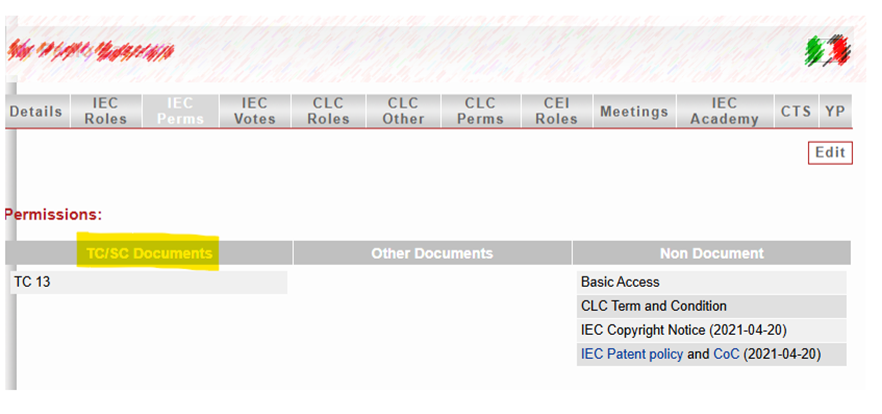
3.2 OSD Manager access to projects from their selected TC
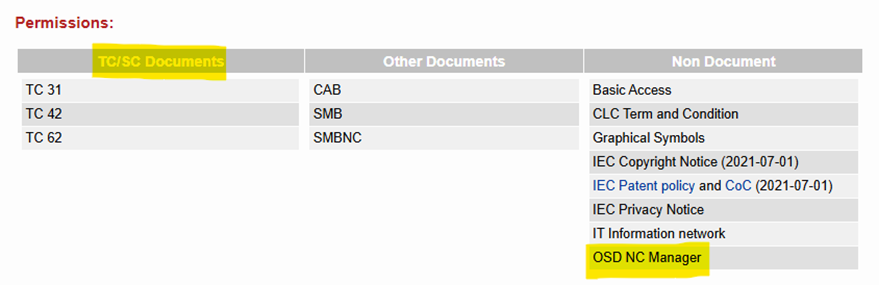
3.3 OSD Voter access to projects from their selected TC
3.4 National expert
As described in the OSD articles, this expert type is specific to the OSD platform. It does not include access to any other IEC restricted documents. The type of expert can be modified at any time from National Expert to International Expert, or vice-versa, by the NC Administrator.