In addition to dedicated national sections, you can insert national elements directly within the international content of an adoption project.
OSD supports the addition of:
-
National note
-
National footnote
-
Caution element
-
National mark-up
These elements allow you to provide national information at the relevant location without replacing the corresponding international content.
Adding a National note
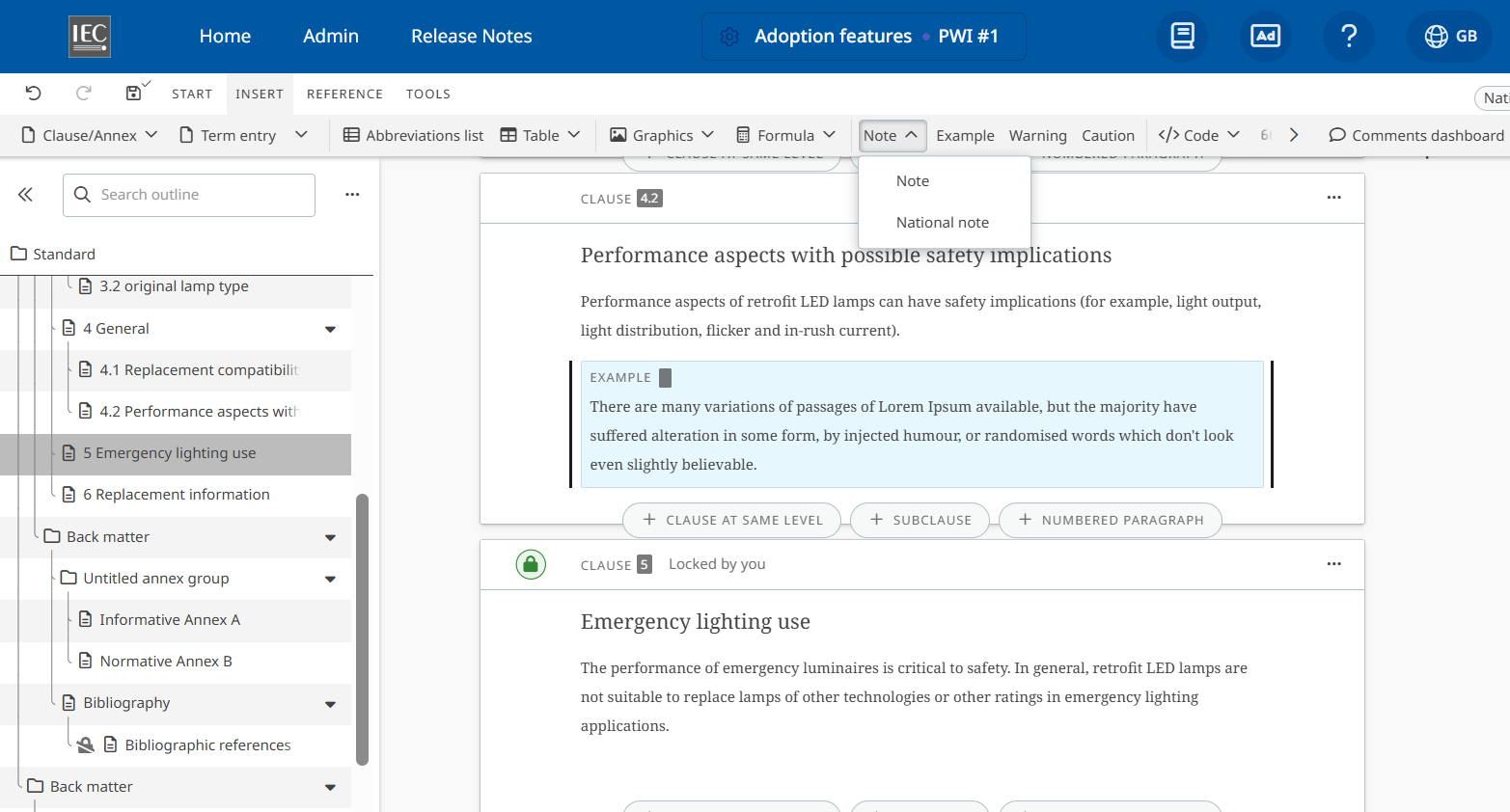
To create a National note, place your cursor at the appropriate location in the document and go to INSERT > Note > National note:
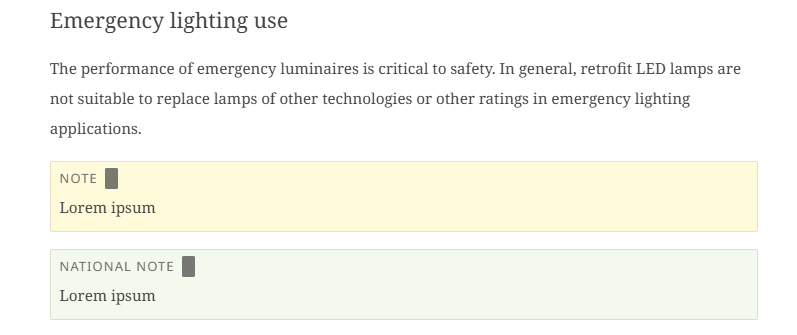
National notes are visually identified in the document. This helps distinguish national notes vs notes from the original international content while working in the editor:
National and international notes use independent numbering sequences.
This means that:
-
National Notes are numbered independently from International Notes.
For example, adding a National Note between International Note 1 and International Note 2 does not affect the numbering of the international notes. The National Note follows its own national numbering sequence.
Adding a National footnote
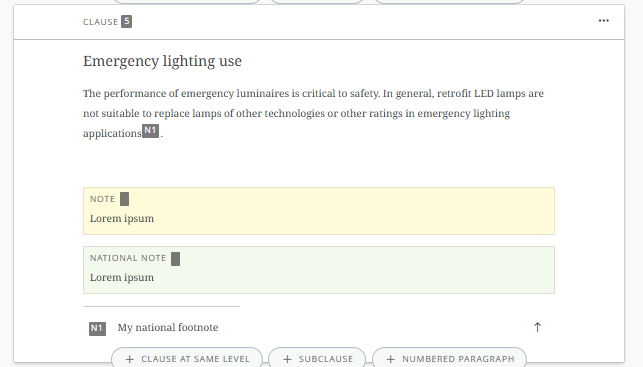
Like Notes, national footnotes and international footnotes are numbered separately.
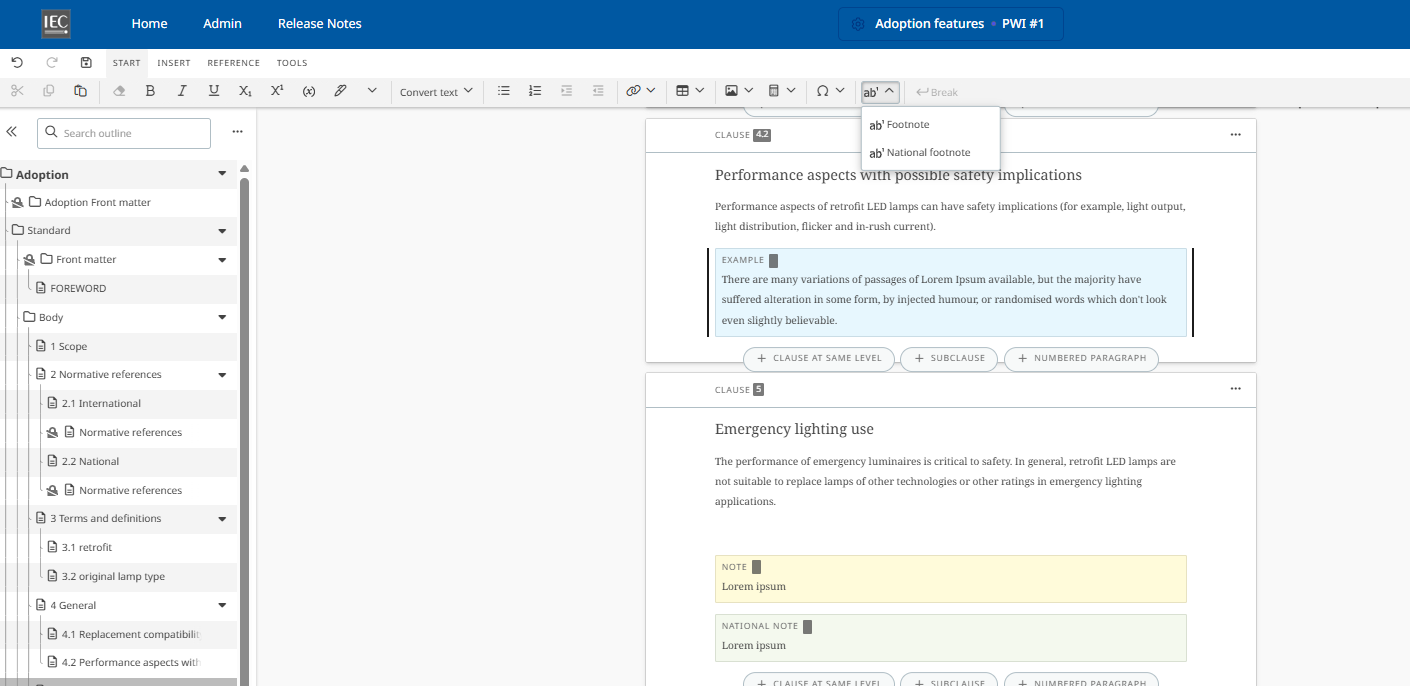
To create a National note, place your cursor at the appropriate location in the document and go to INSERT > Footnote > National footnote:
Adding a Caution element
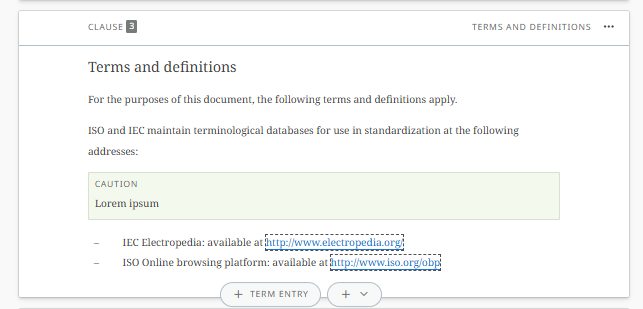
To create a Caution element, place your cursor at the appropriate location in the document and go to INSERT > Caution:
Adding a National mark-up
You can identify existing content in an adoption project as content belonging specifically to the national adoption.
This is useful when you have created an element in the document and subsequently need to indicate that it is national rather than international content.
Mark an element as national
-
Select the element you want to identify as national
-
Go to START
-
Select Mark the selected element as national adoption button
-
The selected element is identified as national content:
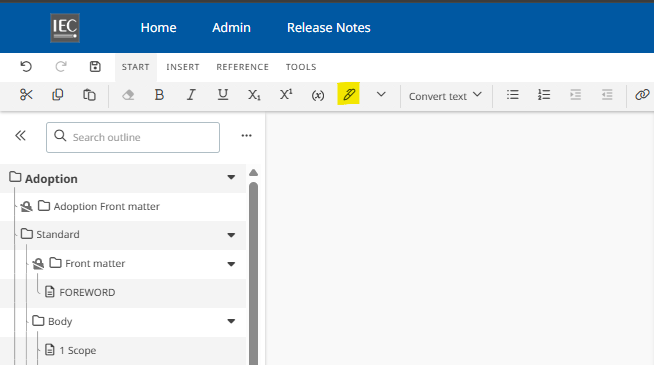
The editor displays visual markup around the element, allowing users to distinguish national content from international content while editing the standard: