
What is an OSD label?
A label is any predefined text natively available in OSD for being displayed in the interface. These labels must be translated into POEditor for the OSD interface to display correctly in your language.
-
Menus
-
Buttons
-
Messages
-
Field names
-
Document elements
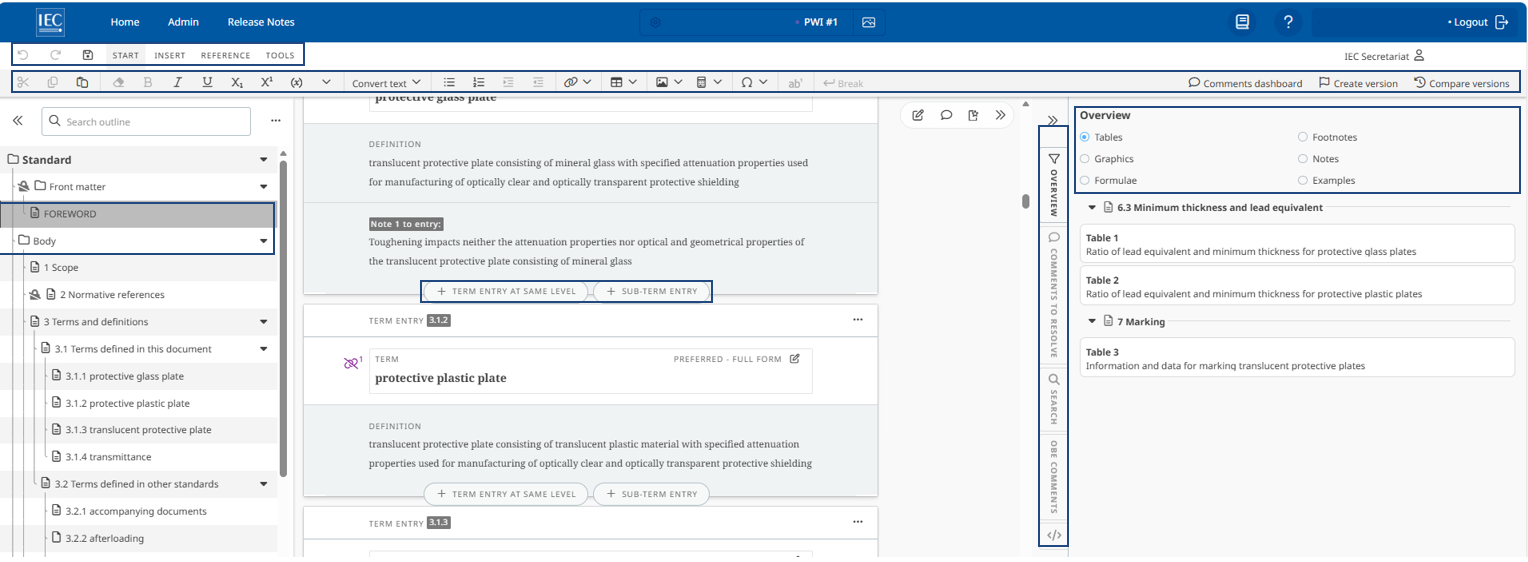
Example of OSD labels into POEditor:
In order to display the welcome‑back message in your language:
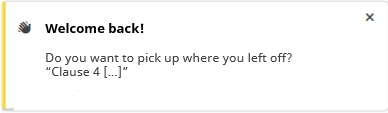
The two labels below must be translated in POEditor:
-
“Welcome back!”
-
“Do you want to pick up where you left off?"
How many labels must be translated?
If your language has never been translated for OSD, 2,700+ labels will require initial translation in POEditor.
What is a project in POEditor?
Each project maps to a distinct group of OSD labels and is organized by language:
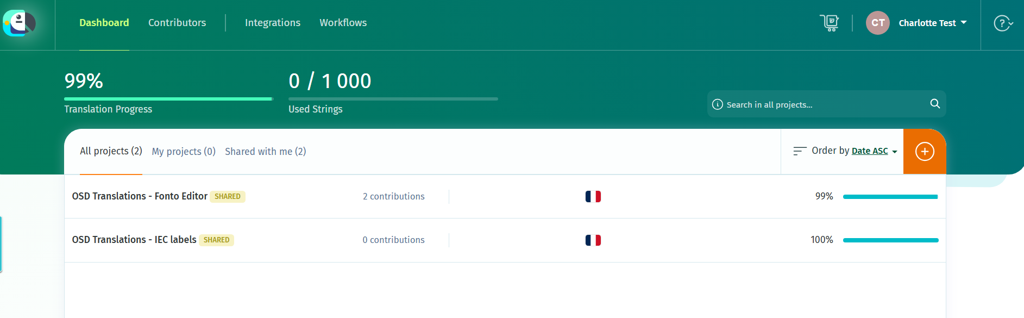
Two separate projects are available in POEditor to manage the two sets of labels used in OSD:
-
OSD Translations – Fonto Editor: Labels shared between ISO and IEC
-
OSD Translations – IEC labels: Labels used exclusively by IEC for specific features that extend the core OSD solution. Labels beginning with create_project, table, home, rename and output are not required for OSD International.
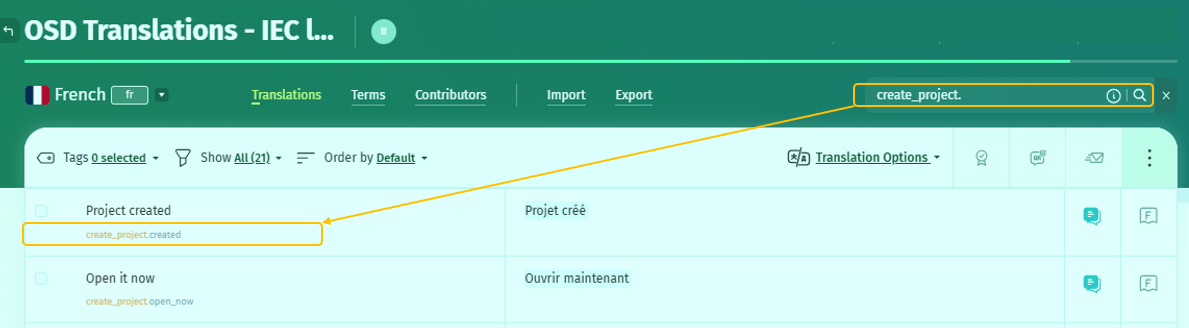
Contributors are granted access based on the language they are responsible for: a contributor with access to a specific language can view and manage the labels for that language in both projects using POEditor.