
What should be translated?
Every OSD label having a corresponding entry in POEditor should be translated.
-
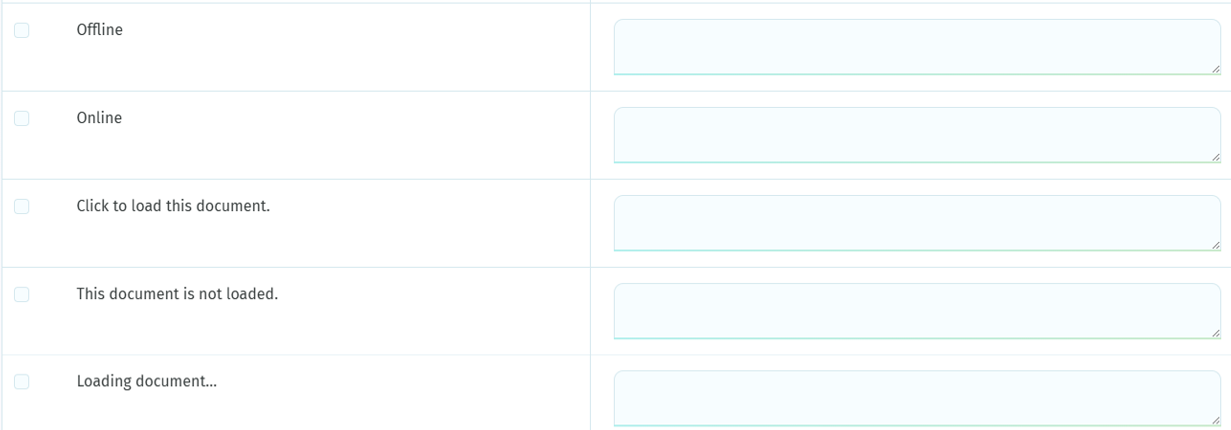
The left field contains the native editor labels in English.
-
The right field contains the translated labels in your language.
Preserve Label Structure
When translating a label, make sure to preserve its original structure. Variables, placeholders, and special characters must not be translated or modified.
For example:
Source: No results matching "{SEARCH}"
Correct: Aucun résultat pour "{SEARCH}"
In this example, {SEARCH} is a variable and must remain exactly the same in the translated label. Only the surrounding text should be translated.
Changing or translating a variable (e.g. {SEARCH} → {RECHERCHE}) may prevent the label from working correctly in the application.
Additional comments from IEC
Over 100 labels have been adapted by IEC from their original versions to ensure consistency in wording and experience across OSD. For these labels, a comment from IEC is automatically added to show how the label appears in the editor.
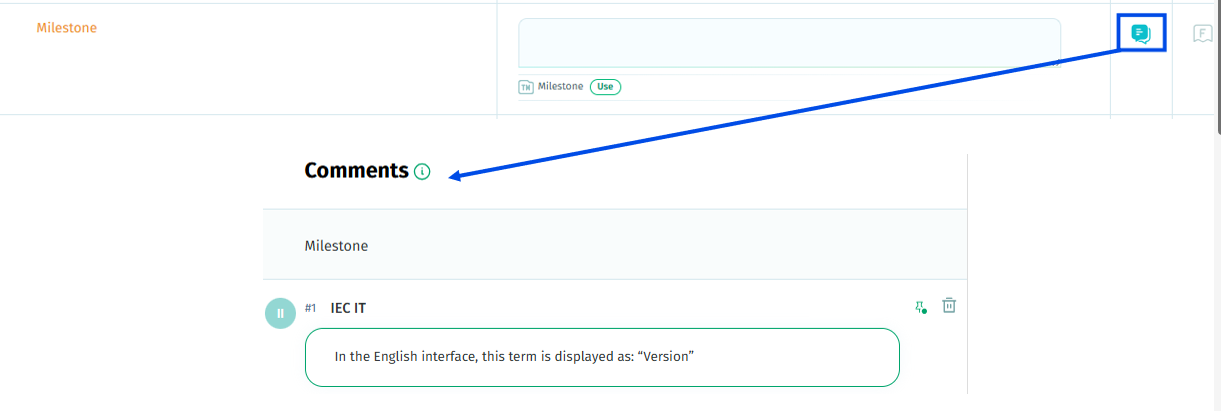
For instance, the native label “Milestone” is visible into the editor as “Version”.

What should not be translated?
-
Only the human‑readable text should be translated.
The terms between curly brackets “{ }” are technical keys and must never be translated or modified. If modified, the system may no longer interpret the variable, potentially causing errors for the entire language.
Preserve Label Structure
When translating a label, make sure to preserve its original structure. Variables, placeholders, and special characters must not be translated or modified.
For example:
Source: No results matching "{SEARCH}"
Correct: Aucun résultat pour "{SEARCH}"
In this example, {SEARCH} is a variable and must remain exactly the same in the translated label. Only the surrounding text should be translated.
Changing or translating a variable (e.g. {SEARCH} → {RECHERCHE}) may prevent the label from working correctly in the application.
-
The grey text shown after the label must not be translated. This comment is informational only and provides context.

Tools to Support Your Work
Quality Assurance
POEditor runs quality checks in real time and shows notifications when a translation is saved. Recommendations can relate to new lines, whitespaces, characters that do not match, etc.

ICU message will help to translate complex labels
ICU comes from the International Components for Unicode project and provides information on how to handle plurals, genders and other specificities of language.
If a label in your language contains ICU message syntax specific to plural rules, you will see an eye symbol in the bottom right corner of the translation box in the translation editor:

Clicking the eye icon opens the ICU Editor, which will help specify translations for each case:
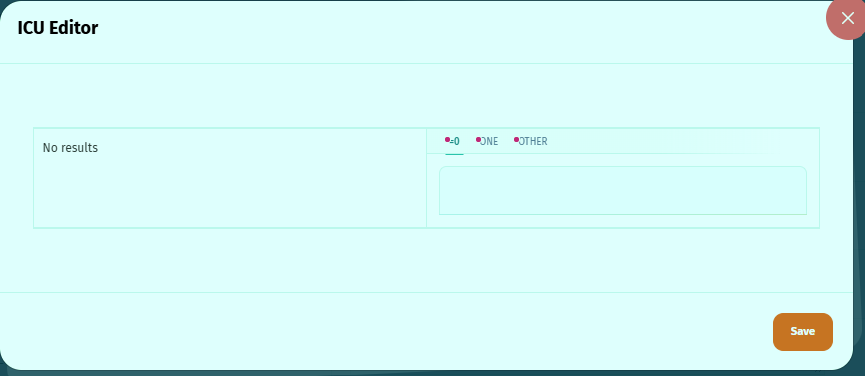
The role of the editor is to help you during translation, but the contributors can also fill in the plural forms without the help of the ICU Editor.
Disabled features
The below features are not enabled in the IEC version:
-
Automatic translation
-
AI translation features
-
Translation memory
-
Translation orders