
Once logged in to OSD, click Admin in the top navigation bar.
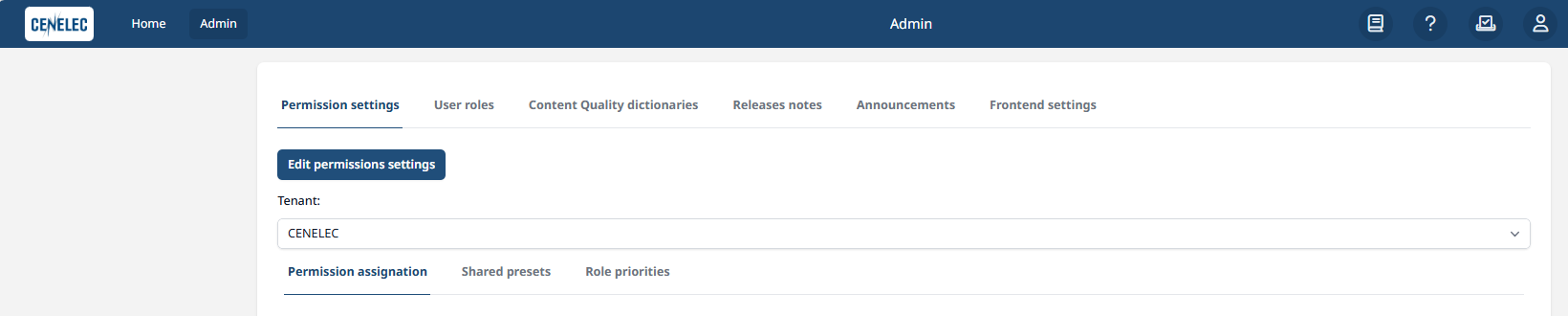
The Admin interface contains the following tabs:
-
Permission settings — configure stages, permission presets, and role priorities. By default in “read only mode”. We can enter the “edit mode” by clicking on “Edit permissions settings”.
-
User roles — create and manage user accounts and their roles.
-
Content Quality dictionaries — configurable dictionaries used when Quality check suggestions are “on”.
-
Releases notes — publish release notes for all users.
-
Announcements — use to display messages, for example, to announce a new release.
-
Frontend settings — add shortcut links to the OSD toolbar.