
Navigating CP with sidebar and top bar
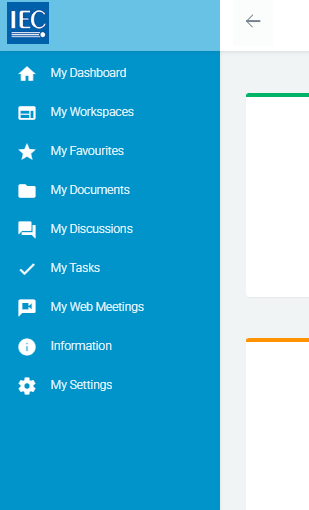
Collaboration Platform (CP) sidebar
All Dashboard boxes are always accessible via the sidebar:
Collaboration Platform (CP) top bar
In the top bar you will find:
Search (currently for workspaces only)
Your profile (access your settings and logout)
Home | Favourites | Notifications shortcuts
