
Favouriting a CP workspace
Once you have located a workspace, click on the Favourite button to add it to your quick links:
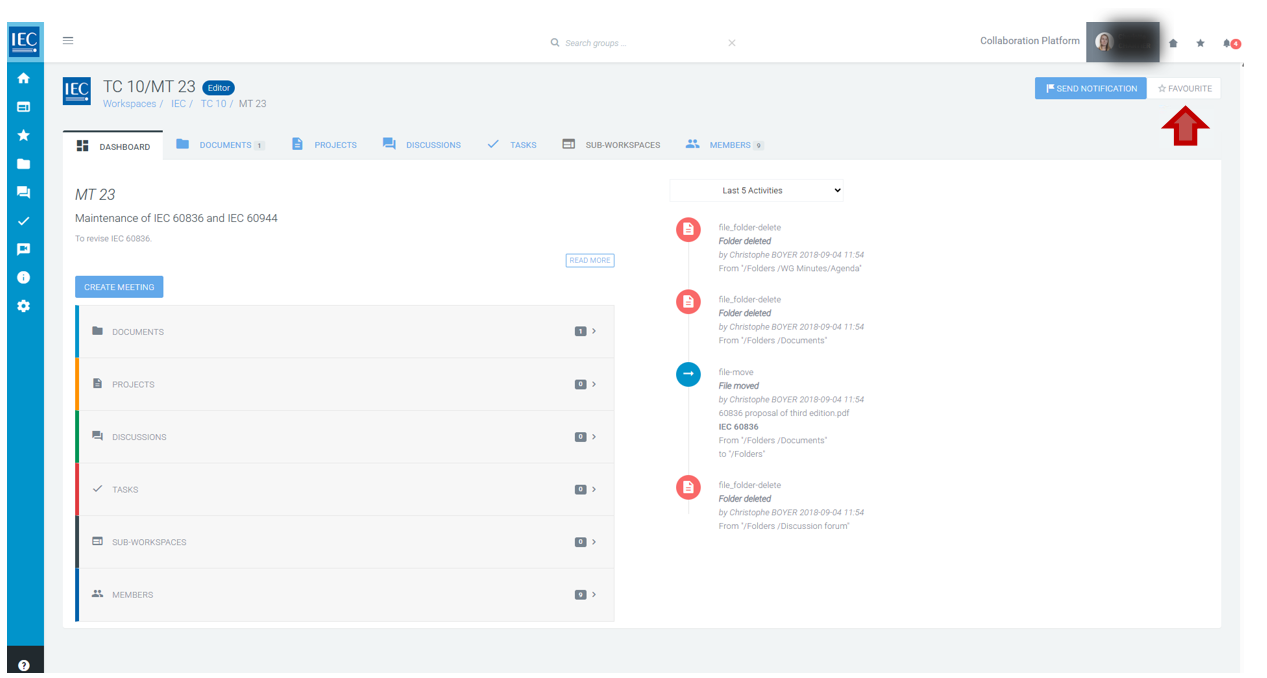
Click the relevant button to add a workspace to your favourites:

A yellow star indicates a favourited workspace:

Click a Collaboration Platform (CP) yellow star again to remove the favourite.